How to manage vibe coded apps in one place (and turn them into a portfolio)
Lots of vibe coded projects, nothing to show? Here's my simple system: a Google Sheet portfolio anyone can read, GitHub as my library, and one rule: finish it.
On this page
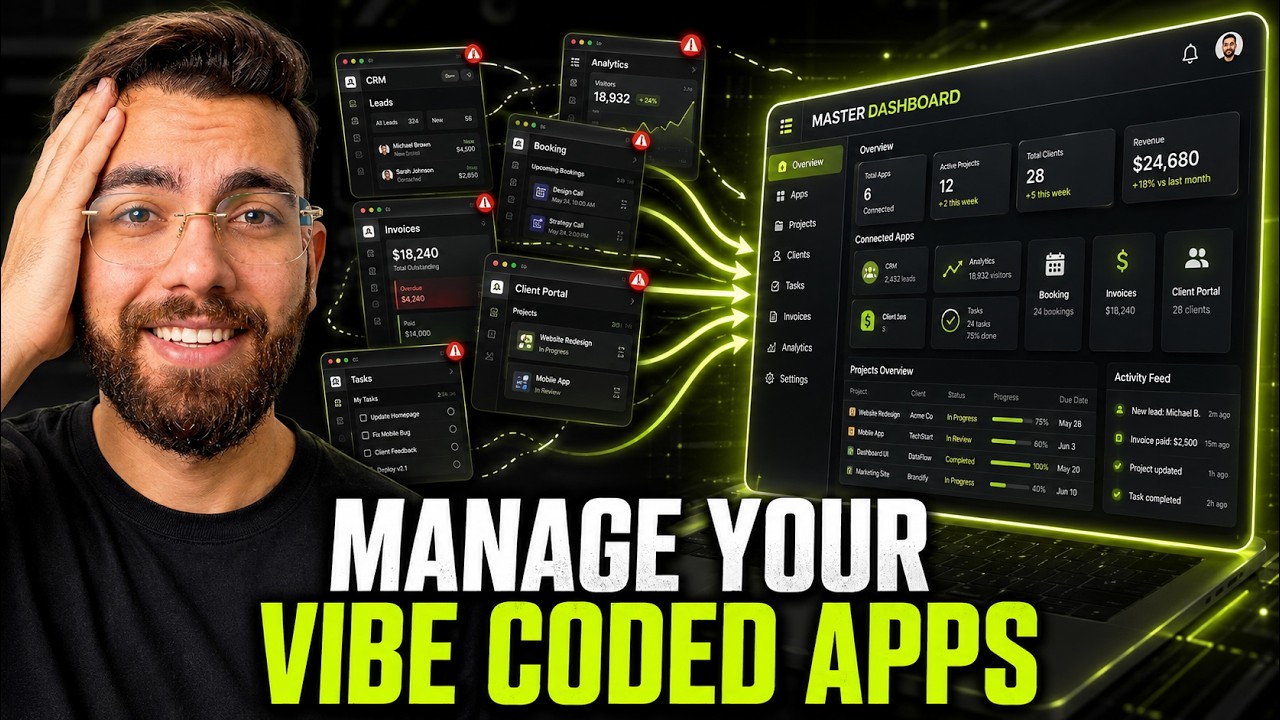
If you've vibe coded a lot of projects, you've probably hit this moment: someone asks, "Show me something interesting you've built with AI," and you have nothing to show. The projects exist, but they're scattered across folders and half-finished. Here's how I manage vibe coded apps in one place, with a simple portfolio anyone can read and a library I can reuse for clients.
Watch the video
▶ Watch "How to Manage All Your Vibe Coded Apps in One Place?" on YouTube
Step 1: Build a portfolio in a Google Sheet
My portfolio isn't a fancy website. It's a Google Sheet that Claude built for me. Each row is a project, with columns for:
- What it is and which category it falls into
- What it does, ideally with a number (like how long it takes)
- The tools it uses
- Its status
- Who can use it
- A link to see it
Why a sheet? Everybody knows how to read a Google Sheet and click a link. If you're applying for jobs or pitching freelance clients, you send one link and they immediately see what you can do. A portfolio website is more polished, but a sheet is fast to make and easy to keep updated.
What's in mine
A few examples from my sheet:
- LinkedIn carousel automation: turns a single topic into a high-quality, multi-image LinkedIn carousel in about 11 seconds, with clean alignment and colors. It uses the Claude API, ReportLab and n8n. Built for creators and agencies who post on LinkedIn at scale.
- LinkedIn lead scraper: finds decision-makers and business owners rather than random contacts, using Apollo's API and Apify. Built for agencies and sales teams.
- And more: a YouTube research tool, a YouTube intro automation, a piece of software I call Helm, an Instagram carousel automation, a lead-to-website builder that creates a site for a lead, and an Upwork proposal automation from my AI agency course.
I've covered several of these on my YouTube channel, so each row in the sheet can point to a full walkthrough.
Step 2: Use GitHub as your project library
If your projects only live on your computer, there's a good chance you'll forget they exist, or lose them. So every project I build goes into a GitHub repository.
My GitHub is basically a library of projects: an AI scraper, client websites, a proposal tool called Proposal Pro, and many more. When I need one, I search my repositories, open the code in VS Code and use it. Nothing gets lost. And because Claude can work with GitHub directly through MCP, it can create and update those repositories for me.
Step 3: Finish what you start
This is the real lesson. I see so many people vibe coding one app, then another, feeling productive, while really building 40% of each thing and moving on.
Don't. Whatever you start, take it to 100%. A finished system can become a product. When someone asks for one of mine, I can tell them what it costs and set up a copy of the system for them. Half-built projects never get there.
Before your next build, ask yourself: Do I really need this app, or am I just wasting my time?
Make it yours
I've put the link to my Google Sheet in the video description. Make a copy, add your own projects, and start sending it out.
If you build a lot of client sites, the same "everything in one place" approach is how I manage 104 client websites with Claude and Hostinger MCP. And for a finished project worth adding to your portfolio, try building a GoHighLevel alternative with Claude.
To manage vibe coded apps well, you need fewer, finished projects, not more half-built ones.
If you want to become an AI web developer who ships finished work, join me inside AI Engineer Academy. Here's what's inside.
Follow along
- YouTube: @AgenticAli
- LinkedIn: Ali Amin
- X: @AgenticAli
- Instagram: @agenticali
- Skool: AI Engineer Academy
Keep building.
Ali Amin