How to build an LMS website with AI: your own Udemy with three portals
Course platforms keep most of the money and all of the emails. Here's how I built my own LMS with AI, with student, instructor and admin portals.
On this page
Course platforms like Udemy make hundreds of millions of dollars a year, but the creators on them keep a small cut. In this post I'll show you how to build an LMS website with AI: your own course platform with student, instructor and admin portals, where you keep the revenue and the student emails.
Watch the video
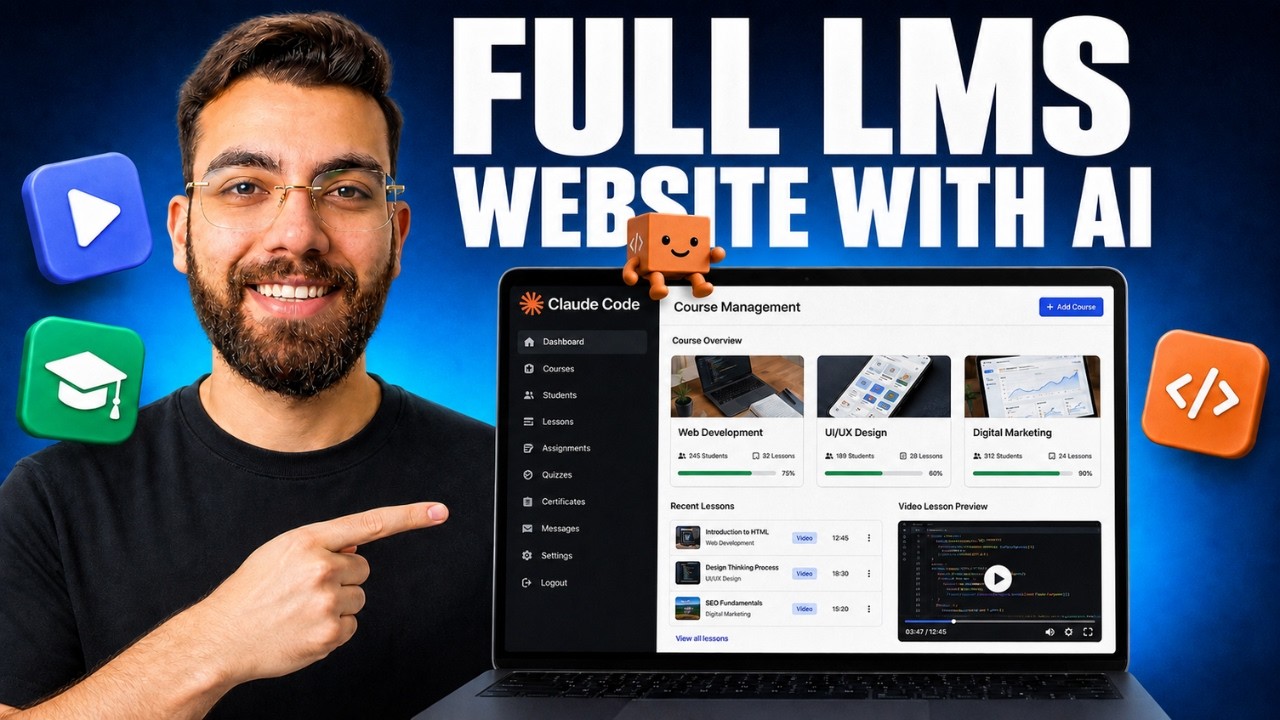
▶ Watch "I Built an LMS Website System with AI Features (Full Project)" on YouTube
Why build your own LMS
Udemy makes more than $700 million a year, so the market is real. But for creators, big platforms have three problems:
- You keep a small percentage of what you sell.
- You're pushed into discounts, so a course ends up selling for $9.99 or $12.99.
- You don't get your students' emails, and email is one of the most valuable things you can have from a qualified buyer.
On your own platform, you keep 100% of the revenue (minus taxes), charge what you want and own your audience. Sell a $197 course to 50 students and that's close to $10,000, with every email in your own database.
If you'd rather not build anything, Skool is my top recommendation. You pay a monthly fee, but you set your own prices, you get your members' emails, and it's built for engagement. My own community runs there.
The three portals every LMS needs
- Student portal: enrolled courses, progress percentage, payments and profile.
- Instructor portal: where creators sign up, build courses and see their students. They can bring their own audience from YouTube or Instagram, and you earn as the platform without creating the courses yourself.
- Admin command center: only for you, the owner. Revenue, approvals and everything happening on the platform.
Design rules for a learning platform
- Pick a color palette and typography first. If you don't have one, ask ChatGPT to create one.
- Skip heavy animations and 3D. Look at Coursera or Udemy: simple text and a direct focus on the courses. Distractions hurt retention.
- Add the features learners expect: search and filters, visible prices, free preview lessons, auto-play of the next lesson, real-time progress and transaction history.
Payments: start simple
You can connect a payment gateway like Stripe. If you don't have one yet, start with direct bank transfer: the student uploads proof of payment and you approve it from your dashboard. With only a few students at first, manual approval is easy.
The stack
- Supabase for user accounts and data. A simple database like Google Sheets can't handle user authentication.
- Unlisted YouTube videos or Loom for lessons. Don't store videos in Supabase, or you'll run out of storage and start paying.
- Antigravity, VS Code or Claude Code to build it. I used Gemini 3.7, but the plan matters more than the model.
How I built it
1. Plan with ChatGPT. I described the platform in plain English and got back a long, detailed prompt. It's in the video description.
2. Implement it. I created a project folder, saved the prompt as plan.md, and told the AI to implement it. A few minutes later I had a clean site with student and admin portals.
3. Check it against the plan. The instructor portal was missing, so I asked the AI where we stood against the plan. It proposed a three-panel architecture and built the instructor studio. I also added a rule: instructor courses need admin approval before they go live.
4. Set up Supabase. Create a free account and project at supabase.com. Open the SQL editor, paste the schema.sql file the AI generated and click Run. It creates every table for you: courses, modules, lessons, enrollments, progress and more. You can also connect Supabase's MCP in your editor and let the AI run it for you. Here's what MCP is.
5. Add your keys. Copy your Supabase project URL, anon key and service role key into .env.local.
6. Make it functional. I asked the AI to require an account before purchase, add a "become an instructor" button, and hide admin-only controls from regular visitors.
The test
As a student, I created an account, bought a course and submitted bank transfer proof. The new user showed up in Supabase under Authentication.
As an instructor, I activated an instructor profile, created a course called AI Engineer Academy priced at $129, added modules and a lesson with a video link, previewed it and submitted it for approval.
The business model
You don't have to create every course. You invite instructors to build on your platform, and later you can help promote their courses. If you're passionate about education, this can be a strong business, and you only have to build the platform once.
Want it on phones too? Here's how to turn a web app into a mobile app. And if you're choosing a model to build with, read my Gemini 3.8 review.
That's how to build an LMS website with AI without handing a platform a cut of every sale.
If you want to go deeper into AI web development and client portals, my community takes you from beginner to pro: AI Engineer Academy. Here's what's inside.
Follow along
- YouTube: @AgenticAli
- LinkedIn: Ali Amin
- X: @AgenticAli
- Instagram: @agenticali
- Skool: AI Engineer Academy
Keep building.
Ali Amin