What is MCP? How Claude controls your tools so you can stop copy-pasting
MCP is the connection between your AI and your tools. Here's what it is in plain English, with real examples from Supabase, GitHub and n8n.
On this page
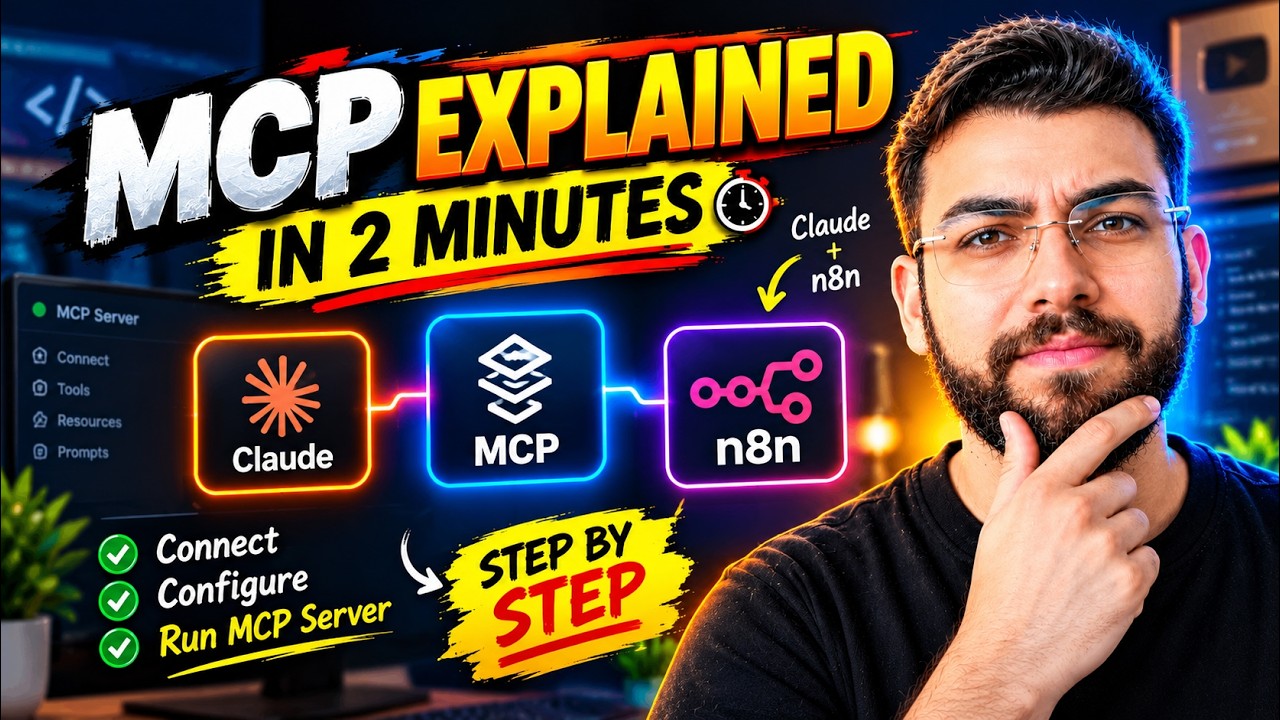
What is MCP, and why does everyone building with AI keep talking about it? In plain words, MCP is the connection between your AI and the tools you use, so instead of copy-pasting between Claude and your dashboards, Claude makes the changes for you.
Watch the video
▶ Watch "Let Claude Control Your Tools: Stop Copy Pasting" on YouTube
MCP in one sentence
MCP (Model Context Protocol) is a connection between your "godfather", the AI model running the show, and the tools you want it to use. In my case, the godfather is Claude.
Why it matters even if you're not technical
Say you don't know much about databases. Or GitHub. Or Vercel. Or n8n. That's fine, because these platforms have released their own MCP servers. Each one is basically the platform saying: if you want to connect your AI model and make changes here, you can.
Claude already knows how databases are structured, how repositories work and how automations are built. MCP gives it the access to act on that knowledge inside your accounts.
Three examples
Supabase (your database). Supabase's MCP lets an AI create tables, read and write rows, and deploy changes. Once Claude is connected, you can type "create a new table in my Supabase for leads" in plain English, and it does it.
GitHub (your code). GitHub's MCP lets Claude create repositories, read old ones and make changes. So you can say "create a new repository for this website" without opening GitHub.
n8n (your automations). n8n's MCP gives access to your workflows. Claude can create new workflows, read existing ones and edit them, even if you've never built one yourself.
What it replaces
Before MCP, building with AI meant a lot of shuttling: copy the code from the chat, open the dashboard, paste it in, copy the error, paste it back. With MCP, Claude works inside the tools directly. You describe the outcome, and it does the setup, the SQL and the configuration.
That's the real answer to "what is MCP": it turns your AI from something that tells you what to do into something that does it.
Be deliberate about access
MCP gives real access to real accounts, so treat it that way. Start with read-only tasks, keep approvals on for anything that changes a live site, and write down rules your AI must follow. Here's the three-level rules file I use with Hostinger MCP across 104 client websites.
How to connect your first MCP
- In Claude, open Settings → Connectors and browse the directory.
- Pick one tool you already use, like GitHub or Supabase, and click Connect.
- Sign in and check what access you're granting.
- Start with a read-only request, like "list my Supabase projects" or "show my latest GitHub repositories".
- Once you trust the setup, move on to requests that create or change things.
See it in action
- I connected Claude to Supabase, n8n, GitHub and Vercel to build a full CRM: a GoHighLevel alternative built with Claude.
- I connected Claude to a feedback tool so it can read and fix UI issues on its own: visual feedback for AI coding.
- I connected Claude to GitHub so my WordPress themes update with one click: the Elementor Pro alternative I use.
If you want to learn how to build real projects with MCP, step by step, join me in AI Engineer Academy. Here's what's inside.
Follow along
- YouTube: @AgenticAli
- LinkedIn: Ali Amin
- X: @AgenticAli
- Instagram: @agenticali
- Skool: AI Engineer Academy
Keep building.
Ali Amin