Why 3D websites don't convert (and what to build instead)
AI made 3D effects cheap, but that doesn't make them useful. Here's why 3D websites hurt conversions, and the CLEAR rule I use for every site I build.
On this page
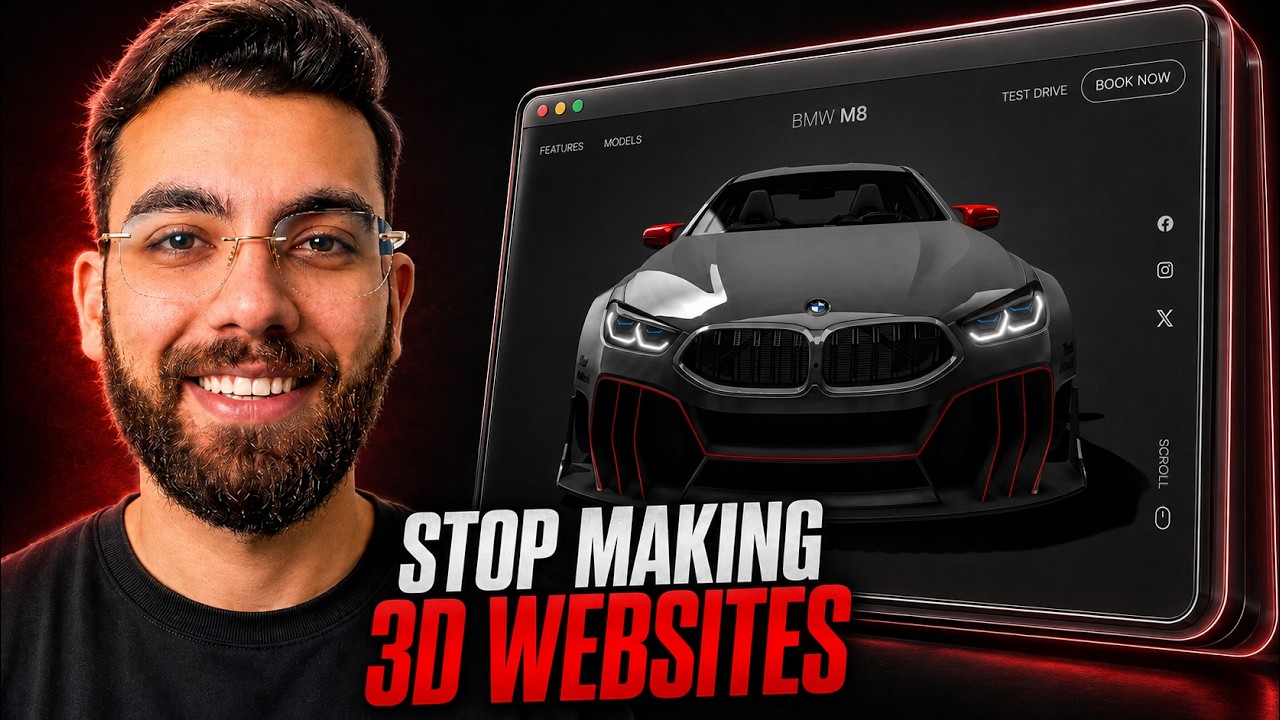
AI has made 3D websites cheap to build. An effect that used to take a month can now be done in a minute or two. But if you're learning to build 3D websites, I'd stop. They look impressive, and they don't convert. Here's why, and what I build instead.
Watch the video
▶ Watch "Why 3D AI Website will not work in 2026?" on YouTube
The 5-second test
Open a website and give yourself five seconds. Can you tell what they sell, who it's for, and what you should do next?
On the 3D sites I tested, I couldn't. On simple sites, I could, every time: a company selling AI systems, a dentist, a print and design shop. The print shop's site was busy, but the meaning was obvious. Want a banner? Click "view product" and order. Nothing spinning, nothing in the way.
Possible isn't the same as useful
Tools like Codex, Gemini and Claude can now build high-end 3D effects in minutes. So the real question isn't "can I build this?" It's "is it useful?" Usually, it isn't. Look at the major brands in almost any industry. They aren't running 3D animated websites.
Your visitors already know how websites work
People spend almost all of their time on other websites, so they arrive with a pattern in their head: a menu at the top, a contact button, readable text, a form. UX designers call this Jakob's Law.
When your site breaks that pattern with a 3D interface, you're asking visitors to learn how your website works before they look at your offer. Their working memory goes to navigation instead of evaluation, and many of them leave for a simpler site.
The whole point of your website is to turn a visitor into a lead, then a client. So avoid:
- Scroll-jacking (taking over how the page scrolls)
- Rotating and orbiting elements
- Hidden navigation menus
Simple fade-in animations are fine. Plenty of good websites use them.
Not everyone has a fast phone
A lot of people browse on older phones or slow 3G and 4G connections, and 3D effects need serious hardware.
When I first got my hands on tools like Lovable and Cursor, I built a 3D site with things moving everywhere. I opened it on my iPhone 16, the latest model at the time, and left it on the side. The phone started heating up. If the newest iPhone struggled, imagine a five-year-old Android.
Let the user control the journey
On a 3D site, the designer controls the scroll and the pace. On a normal site, the user controls their own speed. That's what makes it frictionless: they arrived with an intention, they see the core message immediately, and they move at their own pace toward what they came for.
Speed is money
Deloitte's study Milliseconds Make Millions found that improving mobile site speed by just 0.1 seconds lifted retail conversions by 8.4%, travel conversions by about 10%, and luxury brand page views per session by 8.6%. That's a tenth of a second. Now think about what a heavy 3D scene does to your load time.
Build CLEAR websites instead
When I build a site, I keep one word in mind: CLEAR.
- Clear: visitors understand it in seconds
- Lightweight: fast to load
- Easy: nothing to learn
- Action-driven: every page leads somewhere
- Resilient: works on every device, fast or slow, new or old
That's why I skip 3D websites for client work. If you want speed, see why I build custom WordPress themes instead of using Elementor. For clarity in the words themselves, avoid these copywriting mistakes. And simple, text-focused pages are exactly why programmatic SEO with AI works so well.
If you want to learn AI web development the right way, my community takes you from beginner to pro: AI Engineer Academy. Here's what's inside.
Follow along
- YouTube: @AgenticAli
- LinkedIn: Ali Amin
- X: @AgenticAli
- Instagram: @agenticali
- Skool: AI Engineer Academy
Keep building.
Ali Amin