ChatGPT Astra 6 modes explained: which one should you actually use?
I gave every Astra 6 mode the same website, video and game tasks. Here's which mode wins, and when the most powerful one is just a waste of your limit.
On this page
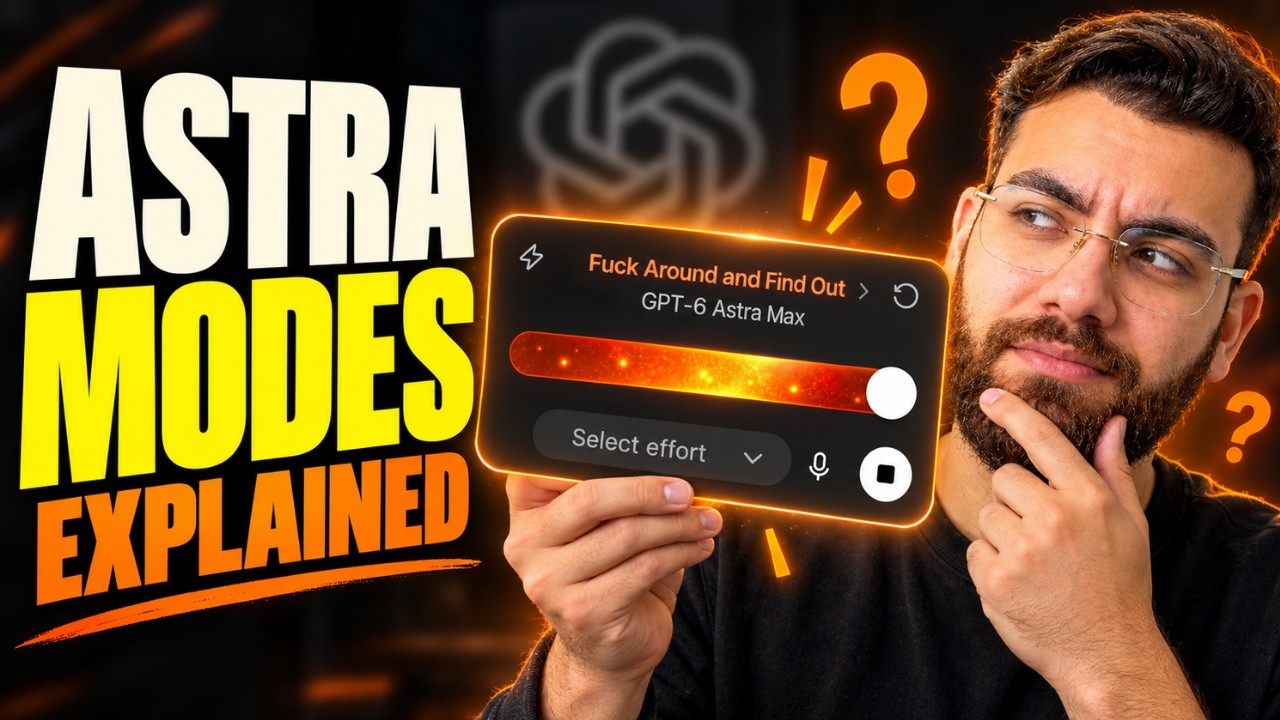
ChatGPT Astra 6 modes go from Light all the way to Ultra, and most people have no idea which one to use. So I gave every mode the exact same tasks (a website, a short promo video and a traffic simulation game) and compared speed, quality and how fast each one burned through my usage limit. Here's what I found, and when the most powerful mode is just a waste.
Watch the video
▶ Watch "ChatGPT Astra 6 Modes Explained: Which One Is Right for You?" on YouTube
What people are saying about Astra
Early feedback has been strong. Some users say Astra fixed bugs in one prompt that other models couldn't solve. Others say its writing finally reads like a person wrote it. Both match what I saw. The bigger question is which mode gives you that quality without draining your plan.
Test 1: Building a website
Same prompt, three modes, a website for a digital marketing agency:
- Light: a neat design, micro animations, and a hero section that made the business clear immediately. Not something I'd throw away.
- Medium: slightly cleaner, with hover animations, premium-looking fonts and good readability. But nothing outstanding compared to Light.
- High: the best of the three. Clearer copy that positioned the agency as growth experts, custom icons for each service, and small details like text highlighting in the brand color.
Verdict: High wins. Light is a fair budget option. Medium didn't earn its place.
Test 2: A 5-second promo video
I gave each mode my logo, product images, music and the on-screen text, and timed each one:
- Light (2 min 40 s): fine for social, but it ignored my logo.
- Medium (1 min 45 s): nearly identical to Light, still no logo.
- High (5 min 36 s): used the logo, added zoom and motion, with one small alignment glitch.
- Extra High (10 min 49 s): took longer than the first three combined and wasn't better than High.
- Ultra: the best video of the five, but ChatGPT itself warns that Ultra consumes usage limits faster.
Verdict: Ultra's video was only slightly better than High's. For this task, High is the sweet spot.
Test 3: A traffic simulation game
To test harder logic, I asked each mode to build a traffic simulation with emergency vehicles, adjustable demand and speed controls:
- Light: basic cars and working ambulance dispatch, but a distracting path display.
- Medium: a better interface, a live traffic graph, and 2x and 4x speed controls.
- High: added a help guide and a path view, but the cars were cluttered and hard to follow.
- Extra High: the best build. Click any car to see its route, ambulances clearly highlighted, and controls that hold up when the roads get busy.
- Ultra: stats like vehicles passed, queue length, average wait time and collisions, but cartoonish cars and no way to see a vehicle's route. I wasn't impressed.
Verdict: for complex logic, Extra High beat Ultra.
Usage limits are the real constraint
On the Plus plan, ChatGPT lists roughly 5 to 45 Astra messages. After eight or nine messages, I'd used 9% of my limit. Some users report that anything above the lowest reasoning setting burns their 5-hour limit in 10 to 15 minutes.
That's why a common pattern is to use Astra for planning and orchestration, then hand tasks to lighter models like Soul and Luna to save credits.
Which mode should you use?
After testing all ChatGPT Astra 6 modes on the same tasks, here's my take:
- Light: quick drafts and simple pages, when speed matters more than polish.
- Medium: in my tests, it rarely beat Light by enough to justify it.
- High: my default for real work. The best balance of quality, speed and usage.
- Extra High: for genuinely complex logic, when High falls short.
- Ultra: only when the quality gain is worth burning through your limit.
The lesson isn't "always use the strongest model". It's to use the level of intelligence the problem actually needs.
Whatever mode you choose, AI copy still needs a human pass. Here are the copywriting mistakes that kill AI websites. And if you'd rather build with Claude, see how I built a GoHighLevel alternative with Claude.
Want to learn how to pick the right model and ship real projects with it? Join me inside AI Engineer Academy. Here's what's inside.
Follow along
- YouTube: @AgenticAli
- LinkedIn: Ali Amin
- X: @AgenticAli
- Instagram: @agenticali
- Skool: AI Engineer Academy
Keep building.
Ali Amin