AI chatbot for ecommerce: build one that actually recommends products
A chatbot that only answers FAQs won't grow sales. Here's how I built one that recommends real products, sizes and colors from inventory, without writing code.
On this page
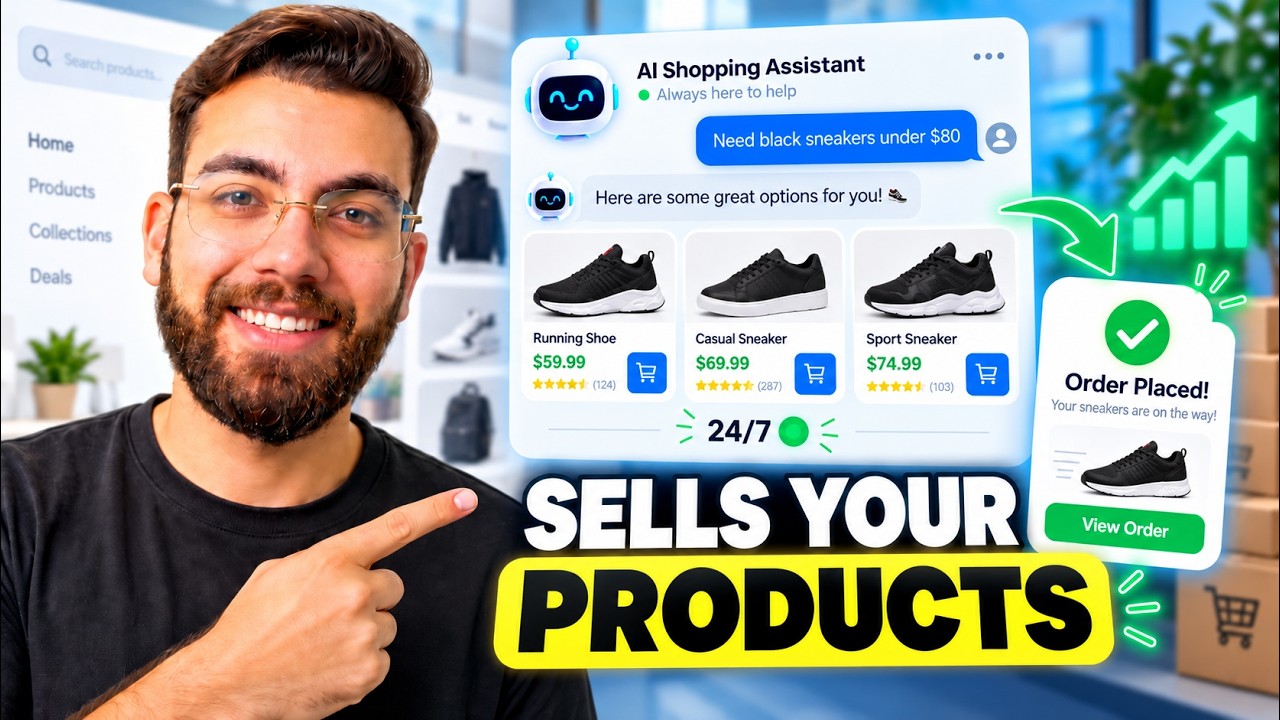
If you run an online store, an AI chatbot for ecommerce is one of the simplest ways to increase sales and keep customers happy. Not a bot that only answers FAQs, but one that recommends the right products, sizes and colors from your actual inventory, then sends shoppers straight to the product page.
Watch the video
▶ Watch "Every E Commerce Store Needs This AI Chatbot in 2026" on YouTube
What this chatbot does
Instead of just answering questions, it helps people buy:
- Recommends products based on what the shopper describes
- Suggests sizes and colors that are actually in stock
- Shows the product image, an add-to-cart button and a link to the product page
- Works 24/7, whether you have 100 products or 10,000
Big companies like Amazon use the same principle for product discovery. Here's how to build it for your own store.
The store
My demo is a clothing store with more than 100 products across women, men, unisex, outerwear, footwear and accessories. Each product has colors and sizes. I built the site with AI in Google's Antigravity using Gemini 3.8.
Step 1: Get your inventory into one file
Everything starts with a CSV or Excel file of your products: name, brand, category, sizes, colors, image URL and anything else that describes them. If you're on Shopify or WordPress, you can export this in a click. Drop the file into your project.
Why keyword search isn't enough
Imagine a shoe store selling heavy-duty hiking boots with waterproof leather and aggressive grip for mountain trails and rough terrain.
A customer types: "I need something for walking in the mountains when it rains."
They said "walking", the product says "hiking". They said "mountains", the product says "mountain trails". They said "when it rains", the product says "waterproof". A keyword search scores this match poorly, so the perfect product might show up on page five, or not at all.
Embeddings in plain English
Embeddings fix this. An embedding model turns each product description into a long list of numbers that captures its meaning, not its exact words. Then the system scores how close a shopper's request is to each product.
"Walking in the mountains when it rains" and "waterproof hiking boots for mountain trails" score as very similar. "I need shoes for jogging in the park" lands close to "running footwear for outdoor exercise", and far away from "what time does the bank close today?"
You can create embeddings with models from OpenAI, Pinecone or Nvidia.
Step 2: Set up Pinecone and your API keys
- Create a free Pinecone account and copy your default API key.
- Ask your AI to create a
.envfile, the file where your project keeps its credentials, with spaces for your Pinecone key and your OpenAI key. - Get an OpenAI API key from platform.openai.com. You'll need API credits. Want it free? Get a free API key from Groq instead.
- Paste both keys into the
.envfile and save. That's all the technical setup.
Step 3: Let AI build the chatbot
Mention your products file and tell your AI something like: "Create embeddings of @products.csv using the Pinecone key in the .env file, and make the chatbot on the website functional."
You don't write a single line of code. The AI creates the embeddings and wires the chatbot to them. ChatGPT is the brain, and Pinecone holds the product knowledge it searches.
The test
I asked: "I need something to wear in winter when I ride my bike, something that blocks the cold breeze."
It recommended a down-insulated modular puffer jacket, with the image, an add-to-cart button and a link to the product page. When I asked about sizes and colors, it answered from the inventory: XS to XL, in the colors actually available. When I asked for other outerwear, it suggested an oversized utility field jacket.
What it costs
If you're getting 100 to 200 visitors a day, the API costs should land around $2 to $5 a month. For a sales assistant that never sleeps, that's an easy decision.
The takeaway
An AI chatbot for ecommerce isn't about replacing your product pages. It's about getting each shopper to the right product faster, especially when they describe what they need in their own words, not yours. It's the same lesson as in the copywriting mistakes that kill AI websites: customers don't speak in your product titles.
I use the same embeddings approach for business knowledge bases too, like in this custom CRM that replaces GoHighLevel.
If you want to learn AI web development in depth, my community takes you from beginner to pro: AI Engineer Academy. Here's what's inside.
Follow along
- YouTube: @AgenticAli
- LinkedIn: Ali Amin
- X: @AgenticAli
- Instagram: @agenticali
- Skool: AI Engineer Academy
Keep building.
Ali Amin